Copenhagen Card Discover
Over 80 attractions and all public transport included. Flexibly selectable from 1 to 5 days.
The Copenhagen Card comes in two versions: what DISCOVER and HOP include, when the validity starts, how the app works and whether the card pays off for you.

Choose and book the Copenhagen Card for 24 to 120 hours or the right single tickets for Copenhagen.
The Copenhagen Card is a purely digital city card. You download the app "Copenhagen Card City Guide", which comes in eight languages, and scan the barcode of the digital card at each attraction. On public transport you show the card to staff on request, and there is no checking in. If you bought in a browser, enter the order number from the confirmation email, hyphens included, in the app. There are two versions with very different jobs.
DISCOVER is the large card. It covers admission to the attractions of the capital region and all public transport in zones 1 to 99: bus, S-tog, metro, harbour bus and the regional trains, including the airport. The excursion destinations Roskilde, Lejre, Hillerød, Helsingør, Ishøj, Humlebæk, Rungsted, Køge and Frederikssund are covered. First class is not included, and the card is not valid to Malmö. It runs for 24, 48, 72, 96 or 120 hours.
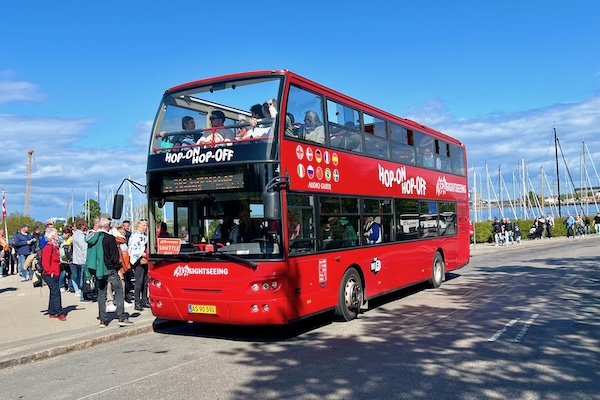
HOP is the small card. It opens more than 40 attractions in the city centre and takes you on the Stromma hop-on-hop-off buses. Public transport is not included. With the HOP version the airport transfer is not included, so you need a separate ticket for the ride into the centre. HOP is sold only for 24, 48 and 72 hours.
The prices apply to adults from 16 years and are list prices in Danish kroner.
The 72-hour HOP card costs 1,050 DKK. HOP carries no public transport, so it is an alternative only if you ride the hop-on-hop-off buses around the city anyway.
The period counts in consecutive hours, not calendar days: a 24-hour card activated on Tuesday at 10:00 expires on Wednesday at 09:59. The countdown does not start at purchase but only when you activate the card in the app. Until then it sits untouched on your phone. Set your phone's clock to Danish time before activating, and note that activation can be neither paused nor undone. Afterwards the card also works offline, and you need the internet only to activate it.
Some places ask you to book in advance. For Home of Carlsberg you enter the card number when booking, and the app shows it only after activation. The tower of the Church of Our Saviour is booked through the links on the attraction's page. For Rosenborg you collect a time slot on the same day on site. The canal tour cannot be reserved online: you book the time slot at the ticket booth at Ved Stranden. You can pre-book only one time slot per guest at a time.
Shortly before expiry you may still enter an attraction and stay as long as you like. On public transport, however, the card must be valid for the whole journey. If you lose your phone, Copenhagen Visitor Service at Vesterbrogade 4B issues a free replacement card, provided you bought through the website or the app. The provider refunds an unused card within six months.
Only admission to the garden at Tivoli is included, one visit per card. Rides at Tivoli come on top as a Ride Pass. The park is open until 3 January 2027 (closed on 24 December), then from 19 March to 26 September 2027. In between, from January to mid-March, it is closed.
Children from 3 to 11 years need the Kids Card, at most two per adult, and teenagers from 12 to 15 the Junior Card. The Junior Card also applies to children beyond the two per adult. Children from 0 to 2 need no card. You must add the Kids Card when you buy the adult card.
Whether the card works out depends on your programme, not on the duration: every additional admission in a day increases its advantage, and a winter Monday with closed attractions reduces it. A visit built around royal castles is cheaper with the Slotspas, which the trip planning page explains.